Pight Wiki
Guides, walkthroughs, and mechanics for Mindlabor's redstone-inspired puzzle game.
Unofficial Pight wiki with controls, block guides, level walkthroughs, and achievement tools for the full game and free demo.
- 90
- Levels in full game
- 8
- Unique mechanics
- iOS + Android
- Mobile platforms
- 15
- Steam achievements

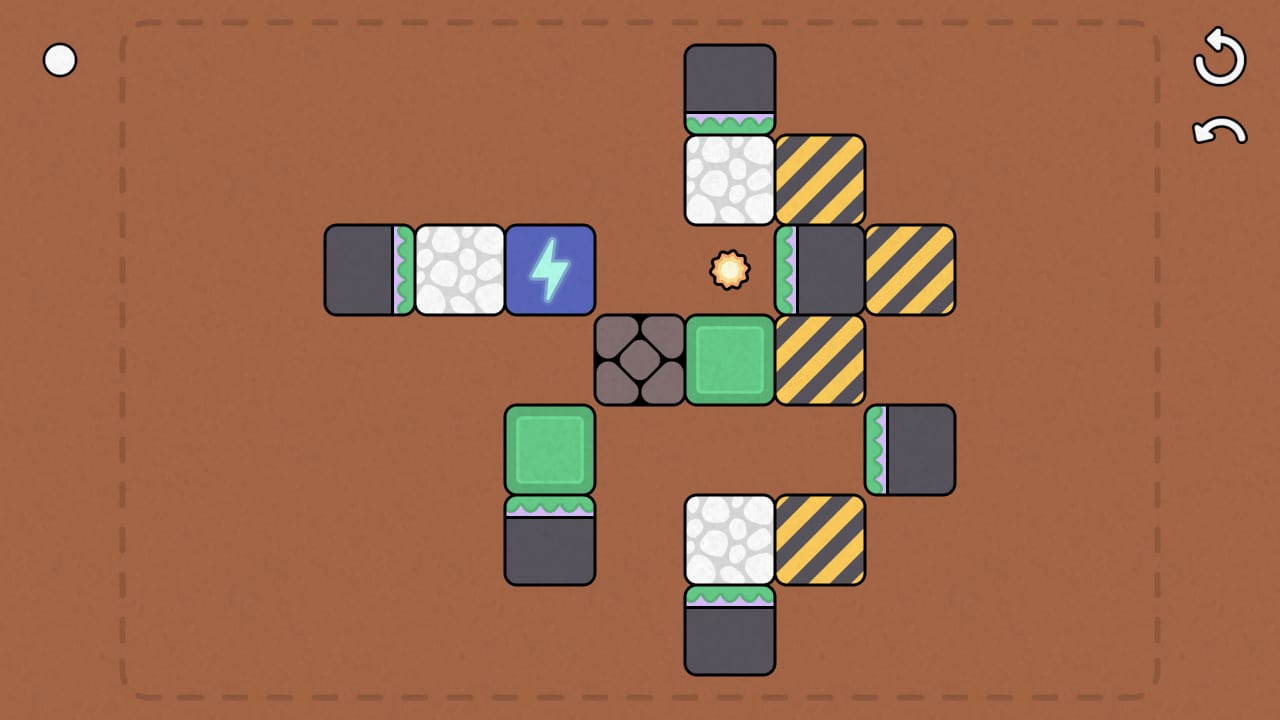
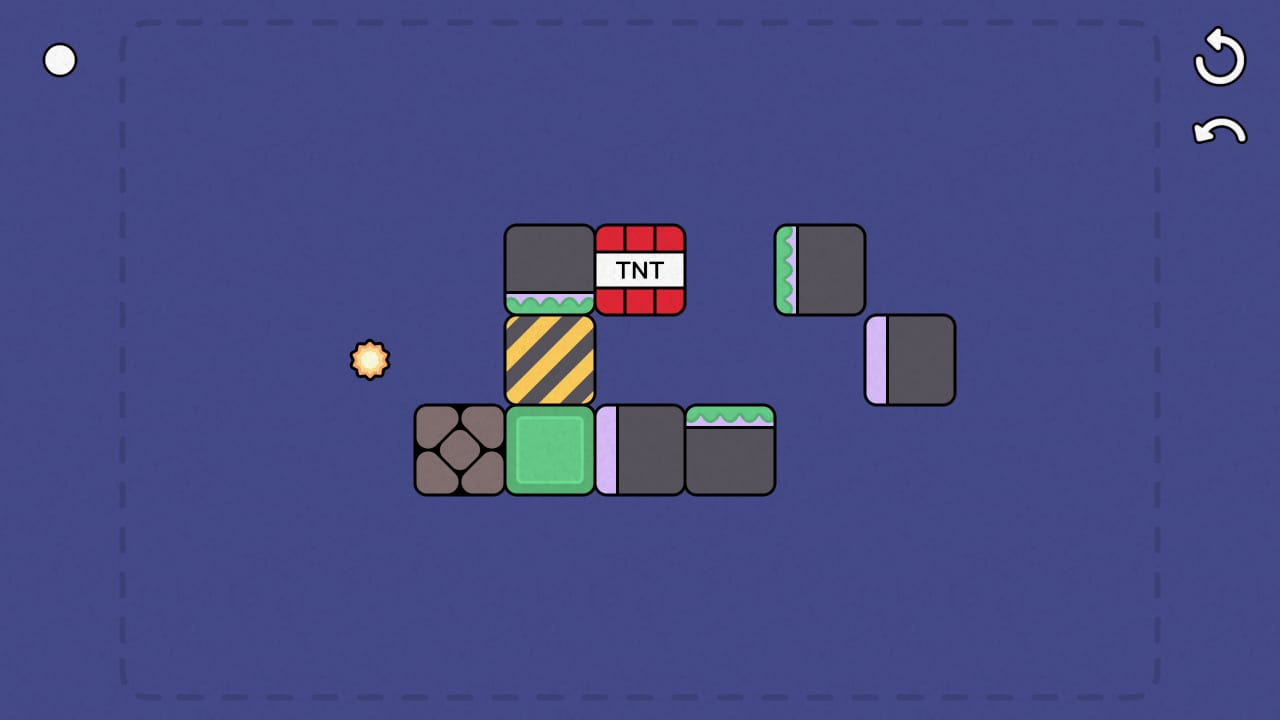
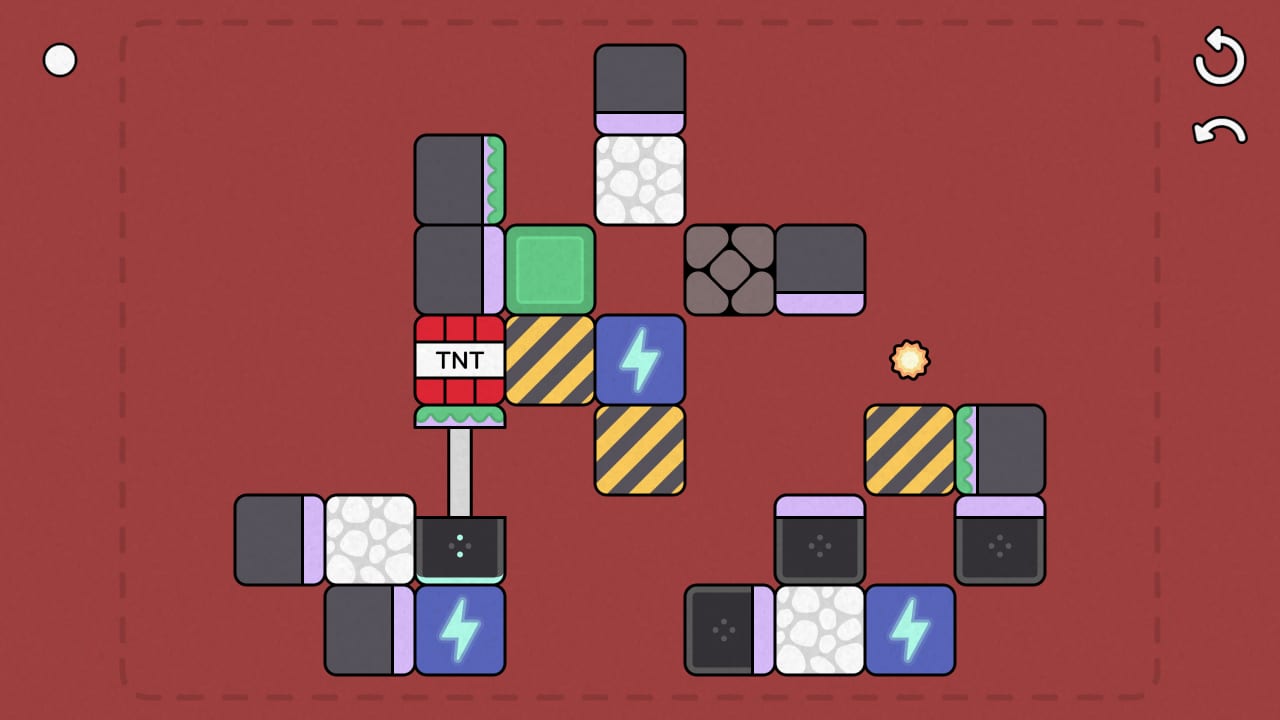
Every hub organised by what puzzle players search for most.
Guides Hub
All Pight guides: getting started, controls, mechanics, walkthroughs levels 1–50, electricity, mobile platforms, and demo vs full game.
Read guide MechanicsMechanics Tier List Hub
Rank all eight Pight mechanics by learning curve, block behavior, and light-block win strategies. Tier lists and deep dives in one hub.
Read guide ReviewReviews Hub
Pight player reviews, demo impressions, and Mindlabor puzzle comparisons. Honest takes on the full launch and the free Steam demo.
Read guide UpdatesUpdates Hub
Pight patch notes, launch news, demo update history, and Steam festival coverage—Next Fest, Cozy Quest, and post-release changes.
Read guide ToolsTools Hub
Pight tools and guides: all fifteen Steam achievements, level editor walkthrough, and a pre-move puzzle planning checklist for hard levels.
Read guide LinksOfficial Links
Official Pight links: Steam full game and demo, Mindlabor website, itch.io, Discord, and the Mindlabor Puzzles bundle on Steam.
Read guideDeep tutorials for a game that teaches nothing in text.
Guides Hub
All Pight guides: getting started, controls, mechanics, walkthroughs levels 1–50, electricity, mobile platforms, and demo vs full game.
Read guide GuidesGetting Started
New to Pight? Learn the goal, download the Steam demo, read controls, and follow early walkthrough tips before harder mechanics appear.
Read guide ReviewPight Demo Review
Honest Pight demo impressions: fifteen levels, portal rework, unlimited undo, and why Steam reviews hit 100% positive at launch.
Read guide MechanicsMechanics Tier List Hub
Rank all eight Pight mechanics by learning curve, block behavior, and light-block win strategies. Tier lists and deep dives in one hub.
Read guide MechanicsMechanics Tier List
All eight Pight mechanics ranked by learning curve—from pistons and stickies to portals, dynamite, and redstone-style routing.
Read guide ToolsTools Hub
Pight tools and guides: all fifteen Steam achievements, level editor walkthrough, and a pre-move puzzle planning checklist for hard levels.
Read guide ToolsPight Achievements Guide
Complete guide to all fifteen Pight Steam achievements with hints, unlock rates, and links to the mechanics each trophy tests.
Read guide UpdatesPight Release and Launch
Pight launched on Steam August 8, 2026 with ninety levels, eight mechanics, launch discount, and 100% positive early user reviews.
Read guide MechanicsBlock Types Explained
Every Pight block color and special type explained—pistons, stickies, hard blocks, dynamite, portals, power tiles, and the light goal.
Read guide ToolsPuzzle Planning Checklist
Pre-move planning for Pight: trace the light block goal, map portals and dynamite, and execute chain reactions with fewer undos.
Read guide GuidesWalkthrough: Levels 1–10
Tips for Pight levels 1–10: push pistons, trigger timing, wall layouts, and beating the first major spike around level 10.
Read guide GuidesMobile and Platforms
Pight on iOS, Android, Steam, and Steam Deck: store links, touch controls, save data, pricing, and how the mobile release compares to PC.
Read guideNew to Pight? Follow these steps before level ten stops you cold.
- 1
Download the demo or full game
Install the free 15-level demo (Steam app 2779090), buy on Steam, or grab iOS/Android from mindlabor.dev/pight.
- 2
Learn controls and undo
Read the Controls guide so mouse, keyboard, gamepad, undo, and reset feel natural before you hit the level 10 wall.
- 3
Clear levels 1–10
Follow the early walkthrough for push-piston basics. Use unlimited undo instead of resetting when one block faces wrong.
- 4
Study new mechanics
When pull pistons, sticky blocks, portals, or dynamite appear, open the matching mechanics guide in the tier-list hub.
- 5
Track achievements and updates
Use the achievements checklist tool and Updates hub for launch news, demo patches, and Steam event notes.
Wiki FAQ
Quick answers to the most common questions.
What is Pight?
Pight is a minimalist puzzle game by Mindlabor inspired by Minecraft redstone. You use pistons, sticky blocks, portals, and dynamite to power a light block across 90 levels with no in-game text.
Is this an official wiki?
No. Pight.wiki is a fan-made resource. Confirm prices, dates, and features on the official Steam page or Mindlabor website.
Which languages are supported?
This wiki supports: English, Français, Deutsch, Español. Configure locales in site.meta.json and run npm run generate:i18n.
Should I play the demo first?
Yes, if you are unsure. The free Steam demo includes 15 levels and the same controls as the full game—enough to feel the difficulty curve before buying all 90 levels.
Where do I go when I am stuck?
Open Stuck on Hard Levels for a debug loop, then the walkthrough for your level band and the mechanic guide for whatever block type just appeared.